
Universal PGN import
Import PGNs exactly as you receive them, whether individual files or compressed archives, with no manual preparation.
Collect the games that matter to you: import PGN files, including compressed archives, or use public connectors such as Lichess broadcasts. Then build your databases and explore them locally.
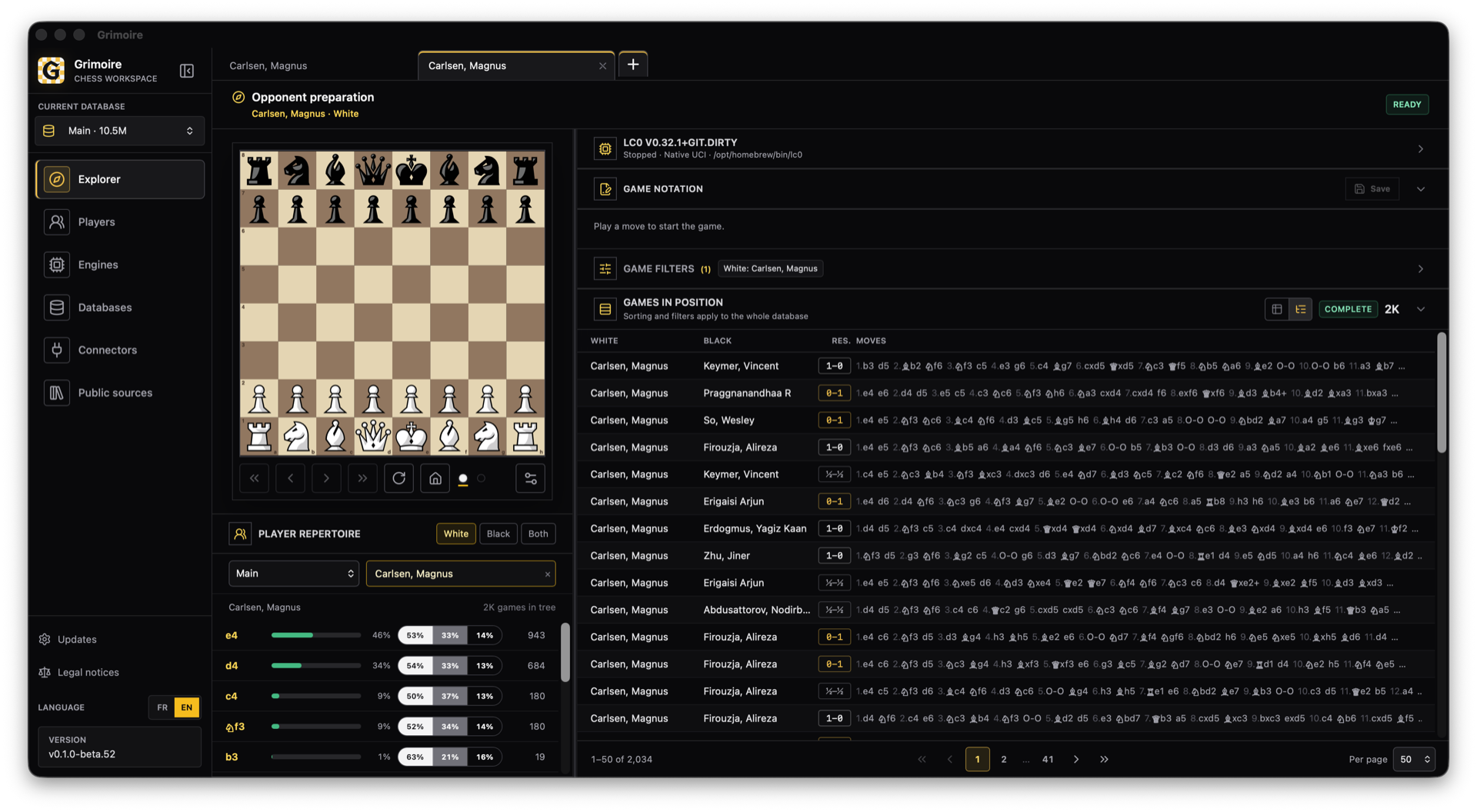
Grimoire does not impose a bundled corpus. You choose the public sources that matter to your work, import them into your own databases, then explore and analyse them locally.
Import PGNs exactly as you receive them, whether individual files or compressed archives, with no manual preparation.
Retrieve games directly from a public Lichess broadcast. More public sources, including TWIC, will follow.
Move tree, statistics and matching games stay synchronised as you navigate.
Build a player’s White or Black repertoire tree from the games you have collected.
Install a free public UCI engine such as Stockfish, then configure its lines, depth and memory in Grimoire.
Organise, merge and reset your databases while retaining control of their files and provenance.
These screenshots come from the actual desktop application. Every screen stays dense, readable and focused on a specific job.
A PGN file, a compressed archive or a public broadcast.
Create a dedicated database and let Grimoire bring in the games.
Positions, players, trends, results, ratings and source games.
Variations, engines, comments and multiple tabs in parallel.
Every release is pinned, qualified and supplied with checksums. The site loads no advertising scripts and the app needs no cloud account to open your databases.
Learn moreThe beta is available for Windows x64 and Apple Silicon Macs.
Private beta